
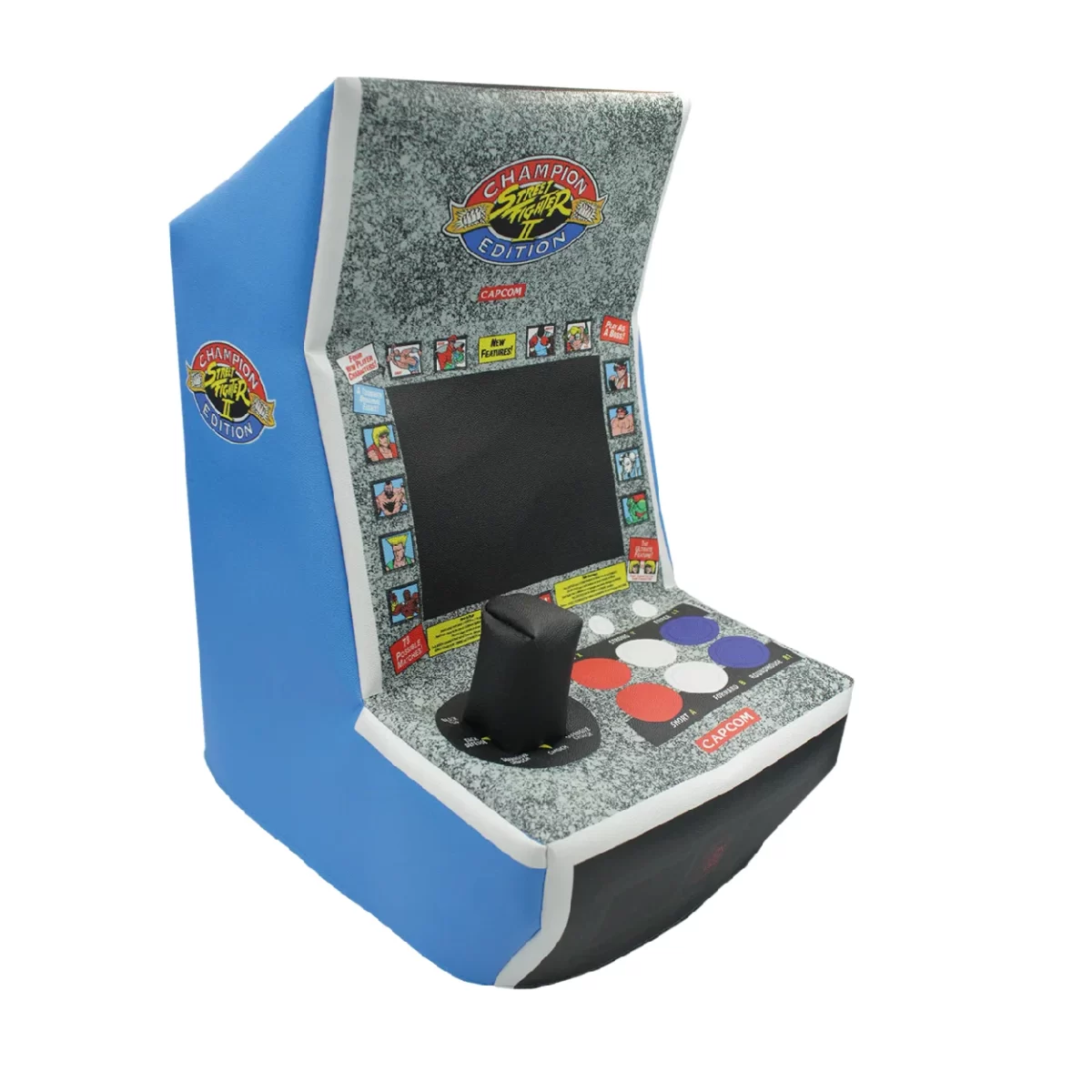
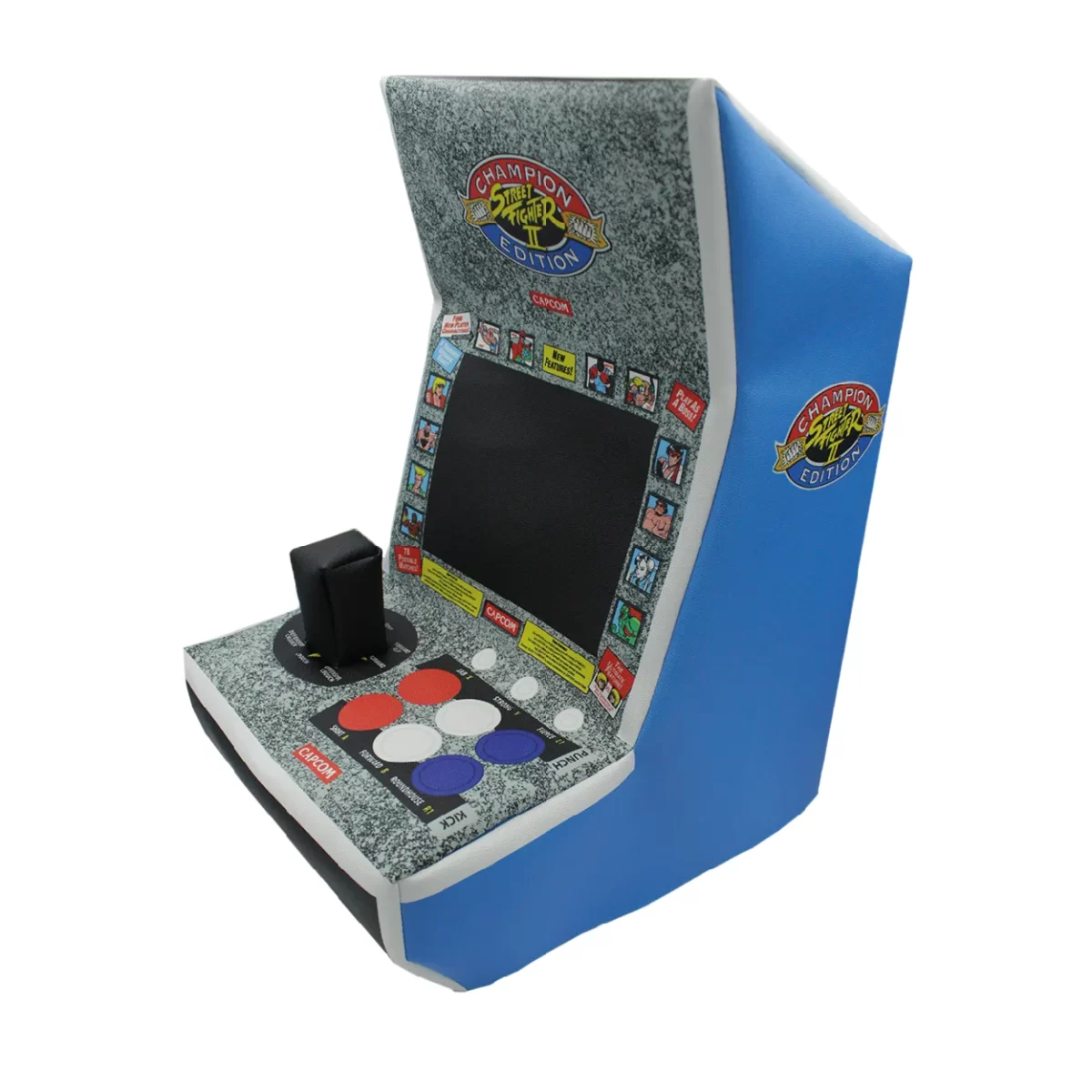

With our premium SF Evercade Alpha Dust cover, you can game on with confidence, knowing that your incredible Bartop Arcade is safe from the forces of dust and dirt. Experience the ultimate dust free retro gaming fun!
Key Features:
- Arcade Perfect Fit: Custom-sized to snugly fit your console, providing the best tailored protection for its specific shape.
- Maximum Protection: Shields against dust, spills, pet fur, cigarette smoke, UV light, yellowing and other environmental hazards.
- Materials: Crafted from long-lasting materials and meticulous sewing, our cover is designed to withstand daily use and last a lifetime.
- Inner Protection: Our fabric soft interiors ensure gentle contact with your console, preventing scratches and scuffs.
- Cord Openings: Designed with precise cord openings, ensuring functionality is not compromised. Simply put on or remove the cover without hassle.
- Easy Cleaning: Wipe with a cloth for effortless maintenance—no washing required.
- HD Printing: We offer the best in high-definition printing technology for vibrant, sharp visuals that stand out.
- Color Integrity: Engineered to resist UV damage, our cover maintains its vibrant colors and structural integrity over time.
- Unique Design: Features a distinctive and faithful legacy design that seamlessly integrates with your device’s appearance, enhancing your gaming setup without compromising style.
Usage Tips:
- Do not use the SF Evercade Alpha Dust cover while the console is powered on to prevent any overheating issues.
- Important: Due to the Evercade Alpha’s shape, the cover is meant to be a bit snug and needs to be fitted in a certain order—not pulled straight up or down like a regular console.
- How to put the cover on:
- Pull the back of the cover all the way down to the base of the system.
- Hold one of the front corners from the inside using one or two fingers.
- Pull that corner toward you and downward.
- Do the same with the second corner—it should slide down easily.
- How to remove the cover:
- Hold one of the front corners from the inside.
- Pull it gently upward and toward you.
- Repeat with the second corner.
- How to put the cover on:
Reviews
There are no reviews yet.